SERVICE
Manuals and downloads
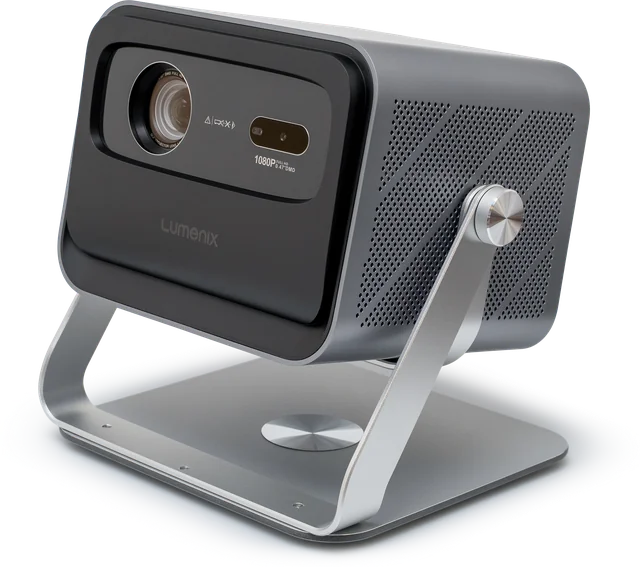
Select your projector. Then you will see the manual, the declaration of conformity, and the quickest solutions for your model.
Choose your projector
The model name is on your projector itself. Slide to the side for all models.
-
Lumenix ONE
-
Lumenix NEO
-
Lumenix AIR
-
Lumenix VISION
Manual Lumenix VISION: not yet available -
Lumenix S2
Manual Lumenix S2: not yet available -
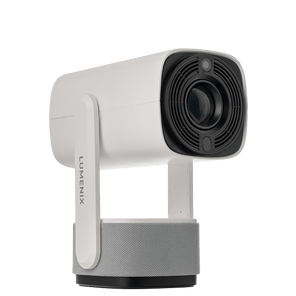
Lumenix GO
-
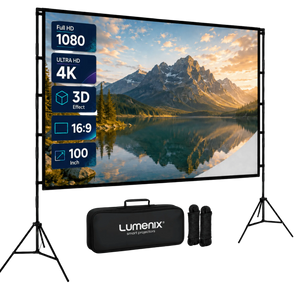
Projection Screen Plus 100 inch
Manual Projection Screen Plus 100 inch: not yet available
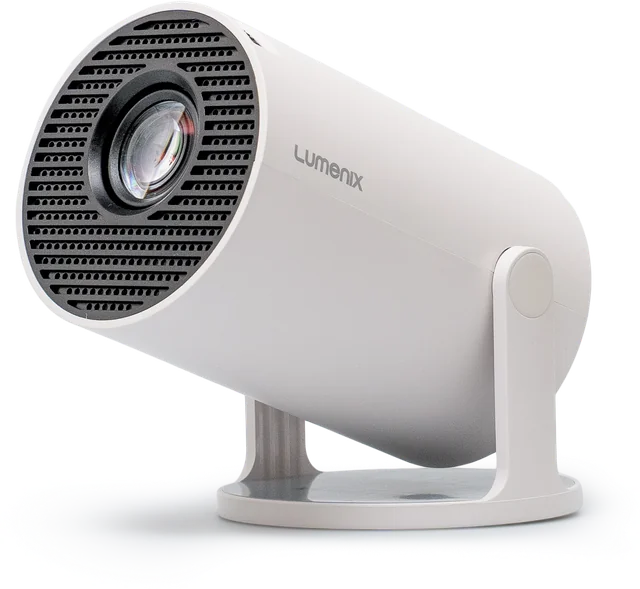
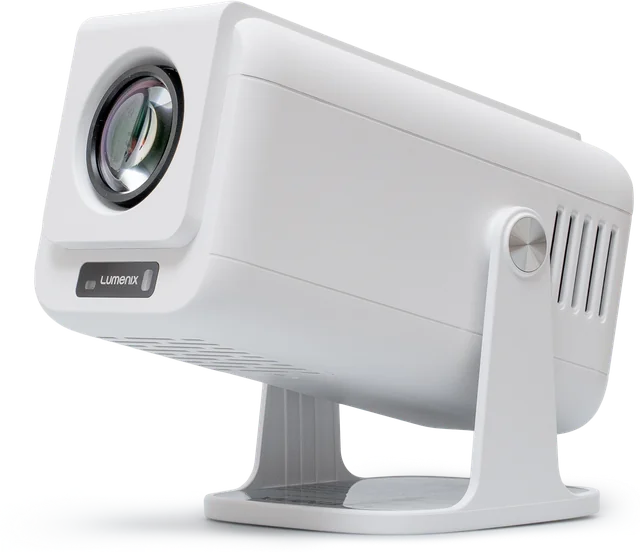
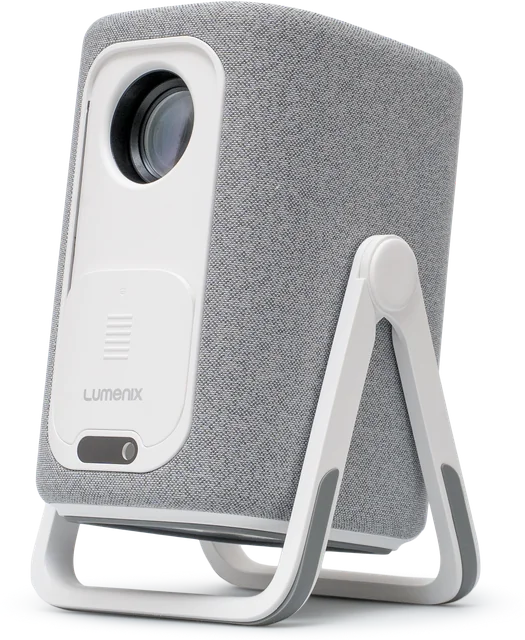
Quickly resolved
The most frequently asked questions. Choose your model for solutions specific to your projector.
Netflix or Disney+ is not working
Install the app directly on the projector and log in there. Mirroring from your phone does not work with paid services: they block it. Still not working? Turn the projector on with Wi-Fi, restart it, and leave it on for 10 to 20 minutes so it can update.
Image is blurry or tilted
Focus the image and place the projector directly in front of the wall. Correct a slanted image using the keystone correction in the settings.
Remote control is not responding
Replace the batteries and pair it again. Instructions on how to do this can be found in the manual for your model.
No sound or sound via a speaker
Pair your Bluetooth speaker via the projector's Bluetooth settings. No sound via HDMI? Set the audio on your laptop or TV box to HDMI.
Projector will not start up
Hold down the power button on the projector for 10 seconds. Does it keep hanging? Email us a short video of the startup process.
Spot or blemish on the screen
Gently clean the lens with a dry microfiber cloth. Is the spot still there? Email us a photo and we will take a look with you.
Stuck on Google TV or won't start
Restore the AIR to its factory settings. Is it failing to do so because it is frozen? Email us, and we will send you the step-by-step guide for a reset via a USB stick.
No sound or sound drops out
Reset the AIR to its factory settings and then install the update via Settings.
Image is mirrored or upside down
Adjust the projection mode in the settings. The manual shows which mode suits your setup.
Remote control is not responding
Replace the batteries and pair it again. Still not responding? Then a reset via USB will help: email us for the step-by-step plan.
Fan is making a lot of noise
You will always hear a fan: it cools the lamp. Keep 30 cm of clearance around it and place the projector on a sturdy, level surface. Is the noise bothering you? Connect a Bluetooth speaker and place it closer to you than the projector. Is it rattling or clicking? Email us a video.
Image is too dark
The ONE is made for a dark room: close the curtains and turn off the lights. A smaller image is brighter, so place the projector closer to the wall. The image is clearer on a white, matte surface or a projection screen than on a colored wall.
Image is blurry
The ONE does not focus automatically. Turn the focus wheel on the projector until the image is sharp. If that does not work, move it slightly further from the wall and clean the lens with a dry microfiber cloth.
Image is skewed or upside down
Place the projector directly in front of the wall. The ONE only corrects the height automatically. If it is positioned at an angle, adjust the image via Settings → Projection → Manual keystone correction. Upside down or mounted on the ceiling? Select the correct Installation mode in the same menu.
Screen mirroring from your phone is not working
Open Screen sharing (ScreenCast) on the home screen and select AirPlay (iPhone) or Miracast (Android). Then turn on screen mirroring on your phone and select the projector. Your phone and the projector must be on the same Wi-Fi network. Netflix, Disney+ and other paid services block mirroring: install that app on the projector itself, via the App Store or the Google Play Store.
An app is not in the App Store
Use the Google Play Store. It is on your ONE, just not on the home screen. Press the plus (+) at the bottom of the home screen and choose Google Play Store. Open the Play Store, sign in with your Google account and install the app you want to use.
Remote control is not working
Batteries are not included: insert two AAA batteries and pay attention to the plus and minus signs. The remote control uses infrared, so point it at the projector without any obstructions in between. Pairing is not necessary.
Disney+ is not installed or not working
Disney+ will update automatically on your NEO. If you installed Disney+ yourself, please remove it first. Turn on the NEO with Wi-Fi, restart it, and leave it on for 10 to 20 minutes. After that, Disney+ will appear under My Apps; click Accept if prompted. Not working? Send us an email.
Netflix or another app closes automatically or does not load
First, check for an update in the settings (Online Upgrade). If that does not help, reset the NEO to factory settings and reinstall the app via the Play Store. Does the issue persist? Email us, and we will prepare an update for your projector.
Image is blurry or tilted
After switching on or moving, wait for the autofocus to finish. Still blurry? Adjust using the focus buttons on the remote control. Crooked image: place the NEO directly in front of the wall. In the projection settings, choose between automatic, four-corner, or manual for Keystone.
Remote control is not responding
Batteries are not included: please insert AAA batteries. Then pair it again: press and hold the left and right arrows simultaneously for a few seconds until the light on the projector flashes. Is it still not working? Email us a short video.
Screen mirroring from your phone isn't working
Open J-Share on the NEO and turn on AirPlay, Miracast, and GoogleCast. On your phone, select the projector (EShare followed by a number) in the screen sharing settings. The phone and projector must be on the same Wi-Fi network. Netflix, Disney+, and other paid services block mirroring: install these apps on the projector itself.
Black dot on screen
Usually, that is dust on the inside of the lens. There is a small cover on the side of the NEO: unscrew it with a coin and remove the dust with a cotton swab. Does the spot remain, or do you see a yellow or brown stain? Email us a photo.
Fan is making a lot of noise
You will always hear a fan: it cools the lamp. Keep 30 cm of clearance around it and use the NEO for a maximum of 4 hours at a time. Is the noise bothering you? Connect a Bluetooth speaker and place it closer to you than the projector. Is it rattling or clicking? Email us a video.
Remote control is not responding
Batteries are not included: please insert them first. Pair it afterwards: hold it close to the projector and press Home and Back simultaneously for about 10 seconds, until you see a checkmark on the screen. Still not working? Email us.
Image is blurry or crooked
The VISION focuses automatically after being switched on or moved. Still blurry? Hold down a focus button on the remote control to adjust coarsely and press briefly for fine adjustment. Crooked image: place it straight in front of the wall, or turn off Auto Keystone in the projector settings and adjust the four corners yourself.
Netflix or another app is not working
Running apps on Google TV: select the Google TV tile on the home screen, log in with your Google account, and install the app there. You can cast from your phone using the cast button in the app. Your phone and Google TV must be on the same Wi-Fi network.
Image is upside down or mirrored
Select the correct projection mode in the projector settings: front, rear, ceiling front, or ceiling rear. Use the left and right arrow keys to toggle.
COMPLIANCE
Compliance and safety
Here is the full text of the EU Declaration of Conformity for each Lumenix model. The manual refers to this. Safety information is provided in each manual.
- Lumenix ONEEU Declaration of Conformity · PDF Download Lumenix ONE, EU Declaration of Conformity · PDF. Opens in a new window.
- Lumenix NEOEU Declaration of Conformity · PDF Download Lumenix NEO, EU Declaration of Conformity · PDF. Opens in a new window.
- Lumenix AIREU Declaration of Conformity · PDF Download Lumenix AIR, EU Declaration of Conformity · PDF. Opens in a new window.
- Lumenix VISIONEU Declaration of Conformity · PDF
- Lumenix GOEU Declaration of Conformity · PDF Download Lumenix GO, EU Declaration of Conformity · PDF. Opens in a new window.
- Lumenix S2EU Declaration of Conformity · PDF
Can't figure it out?
Email us via the contact form, including your model and order number. You will receive a response within 8 working hours on business days.
To the contact form